



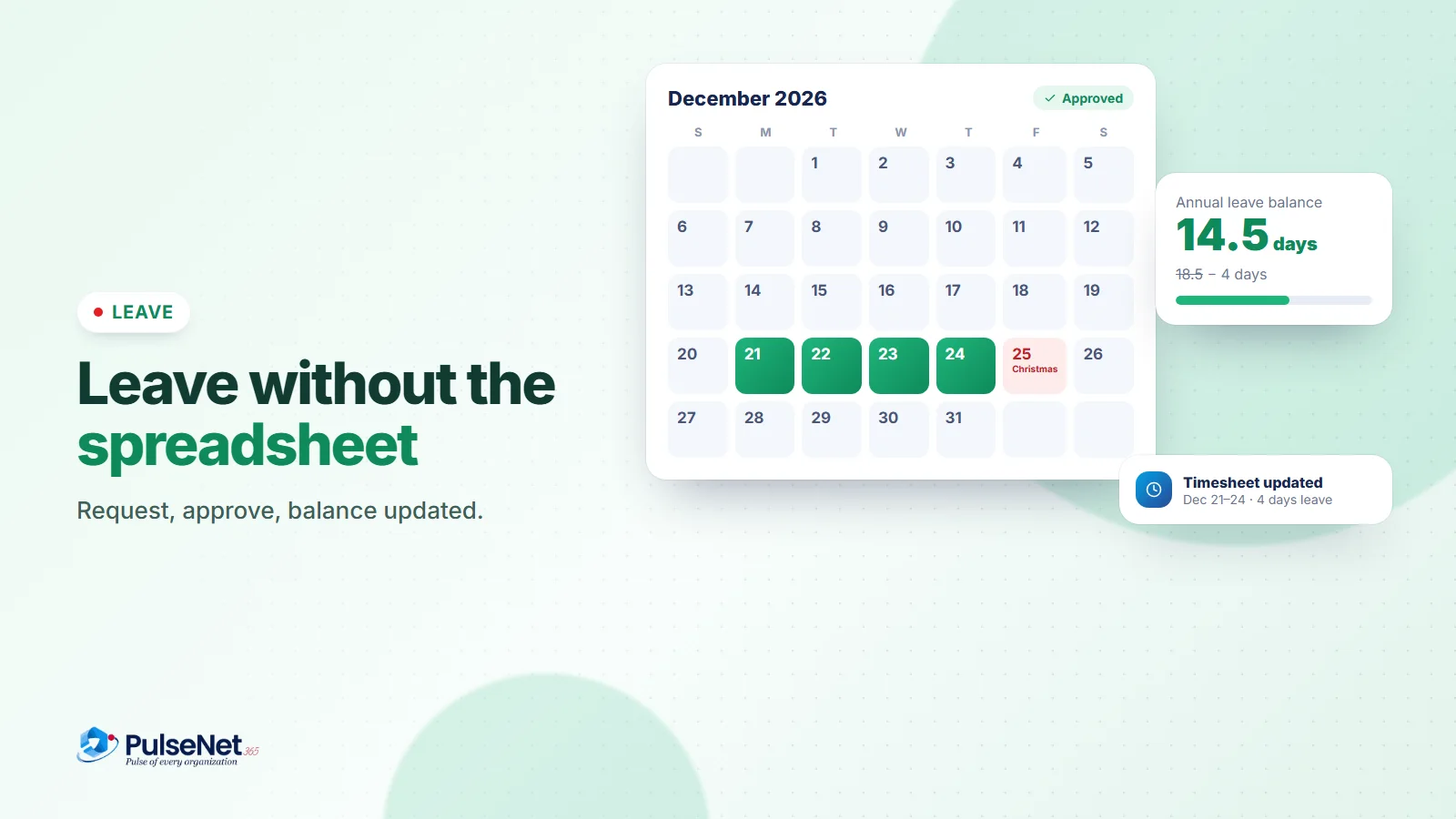
Ask most employees their exact leave balance and they’ll guess. Ask HR how much time the team has booked next month and they’ll open a spreadsheet. Leave is simple in theory and messy in practice, because the rules, the requests and the balances usually live in different places.
Putting them together is the whole fix.
Write the policy once
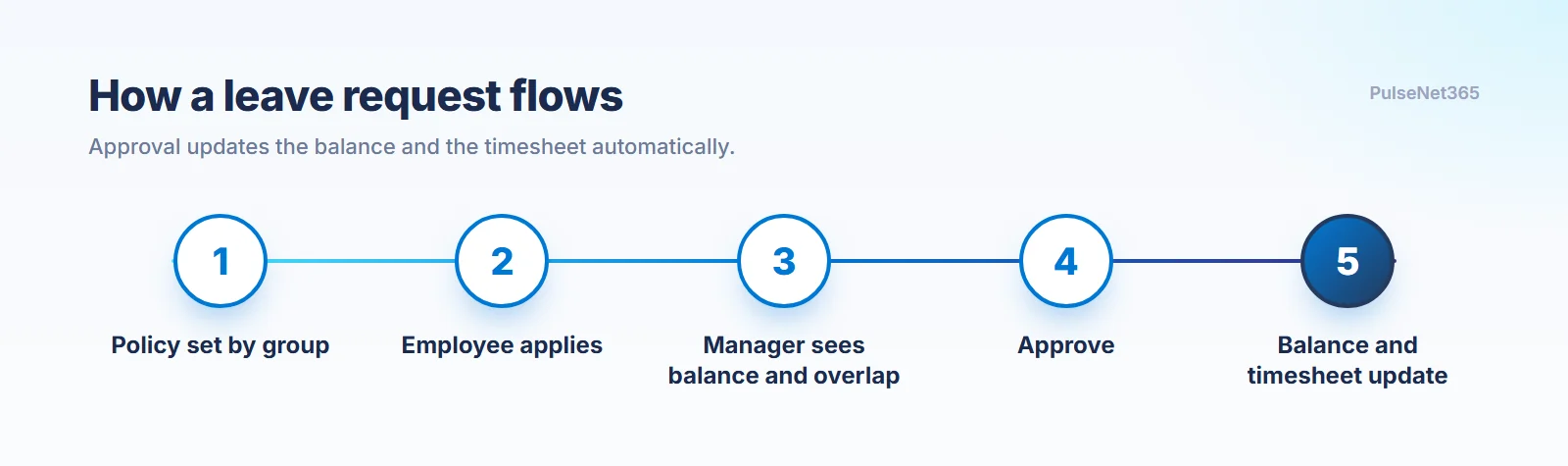
HR defines leave types, such as annual, sick, personal and parental leave, with rules for accrual, carry-over and eligibility, then assigns them to employee groups by department, role or seniority. The rules now apply consistently, instead of being interpreted case by case.
Approve with the full picture
Employees apply from self-service: pick a type, choose dates, add a reason, submit. The manager gets a notification, sees the balance and any overlap with teammates, and approves or rejects with a remark. No email thread, no “let me check the calendar.”
Approval updates the balance and the timesheet automatically.
Let approval do the admin
Here is the part that quietly saves hours. When leave is approved, the system creates the matching timesheet entry and updates the balance. The employee sees the new balance straight away, and HR’s records stay accurate without anyone reconciling anything. See how it works in Leave & Absence and Time & Attendance.
That is leave working the way people assume it already does: transparent for employees, quick for managers, accurate for HR.
Key takeaways
- Encode leave policy once, by employee group.
- Show balances and overlaps at the point of approval.
- Let approval update timesheets and balances automatically.