
Twelve modules on one employee record, built for Microsoft Dynamics 365 Business Central. Start with the ones that cost you the most time, prove the case, then extend.
Requisitions approved in Business Central, roles published, candidates tracked, and new starters ready on day one.
Records, leave, time, self-service and HR questions, all on the same employee record.
Reviews that finish on time and a learning hub with courses, exams and certificates.
Expense claims approved in one place, and approved hours, leave and expenses handed to your payroll provider.
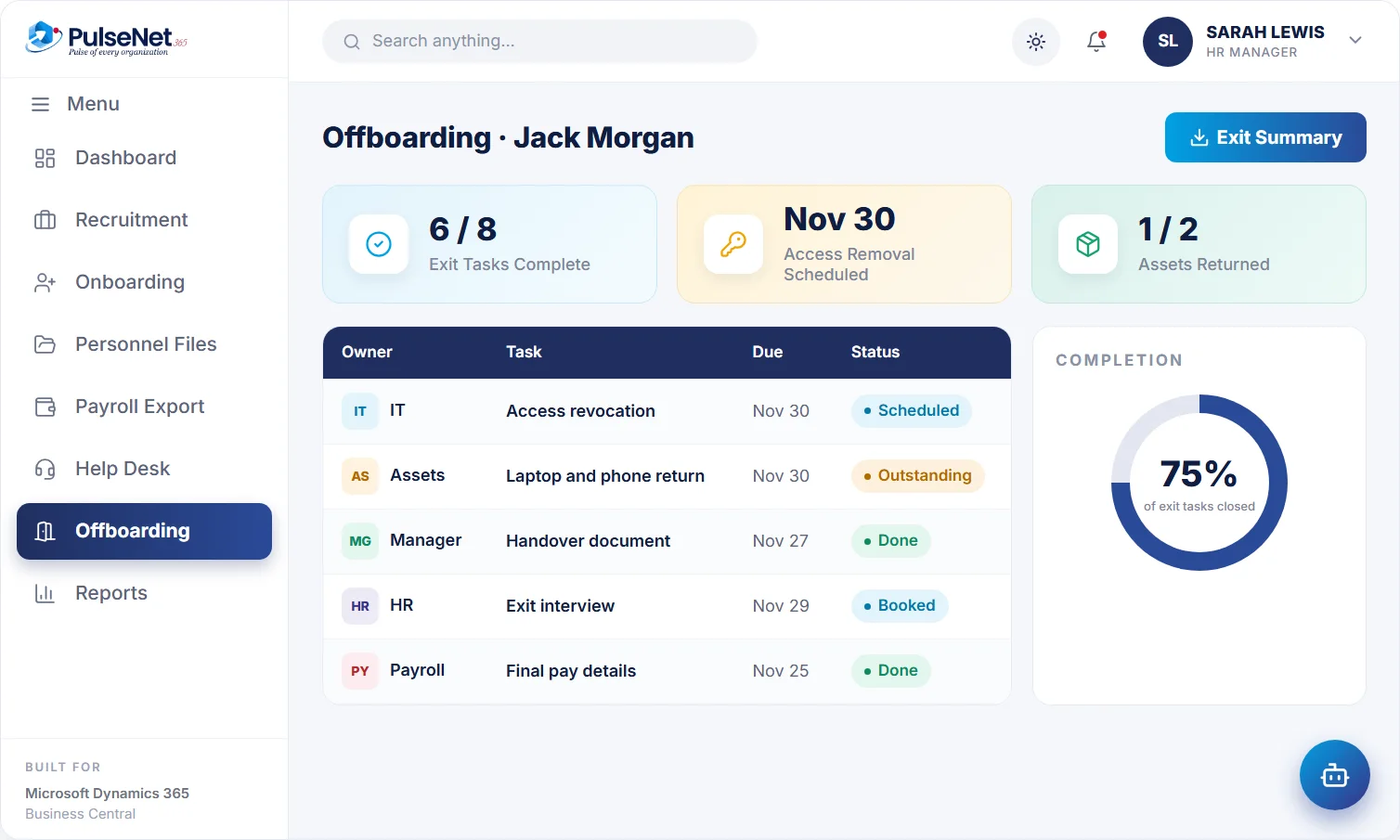
One leaving date drives access removal, asset return, handover and final pay details.
Requisition to signed offer.
A first 30 days that runs itself.
One 360° record per employee.
Instant balances, 1-click approvals.
Track hours, shifts and overtime.
Goals, reviews and 360 feedback.
Courses, certifications, growth plans.
Submit, approve and post to finance.
Payroll-ready data, no re-keying.
Everything employees and managers need.
Tickets tracked to resolution.
A respectful, complete exit.
Because every module writes to the same employee on Business Central, an approval is the last time anyone touches the data. Nothing is exported, re-typed or reconciled afterwards.
Leave is where the arguments are. A balance people trust produces a visible win quickly.
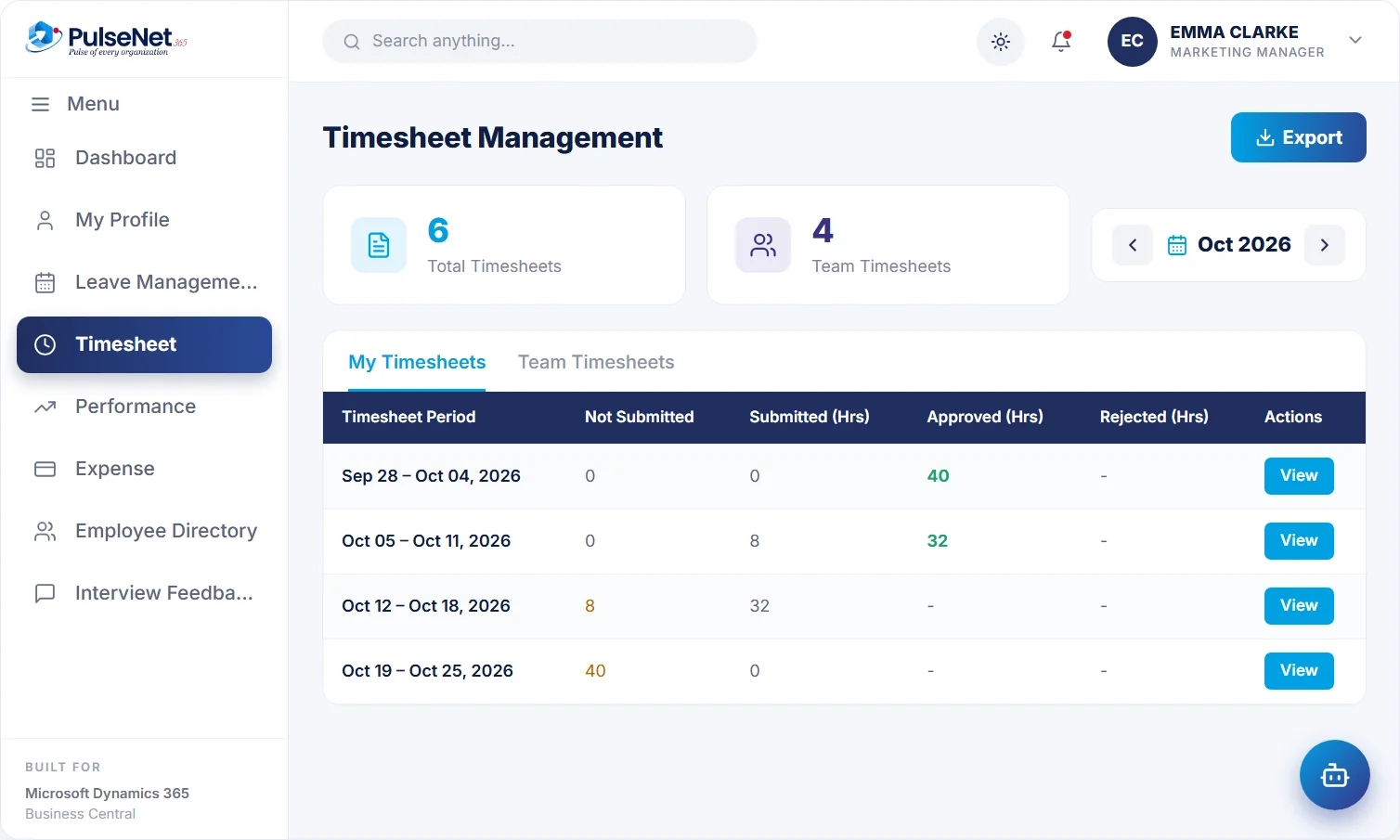
If billable time drives revenue, timesheets are a finance system. Leave comes with it.
Hiring faster than the process can carry? Start at the front so every later module inherits clean data.
Sort a week of HR emails by topic. If most are about balances and requests, Leave & Absence with Self-Service is the natural start.
If billable hours drive revenue or expense claims pile up at month-end, Time & Attendance or Travel & Expense shows value to finance first.
A hiring push next quarter argues for Recruitment and Onboarding now. A review cycle about to start argues for Performance & Talent.
Every module relies on reporting lines and job details. If those are messy, begin with the Digital Personnel File so later modules inherit clean data.
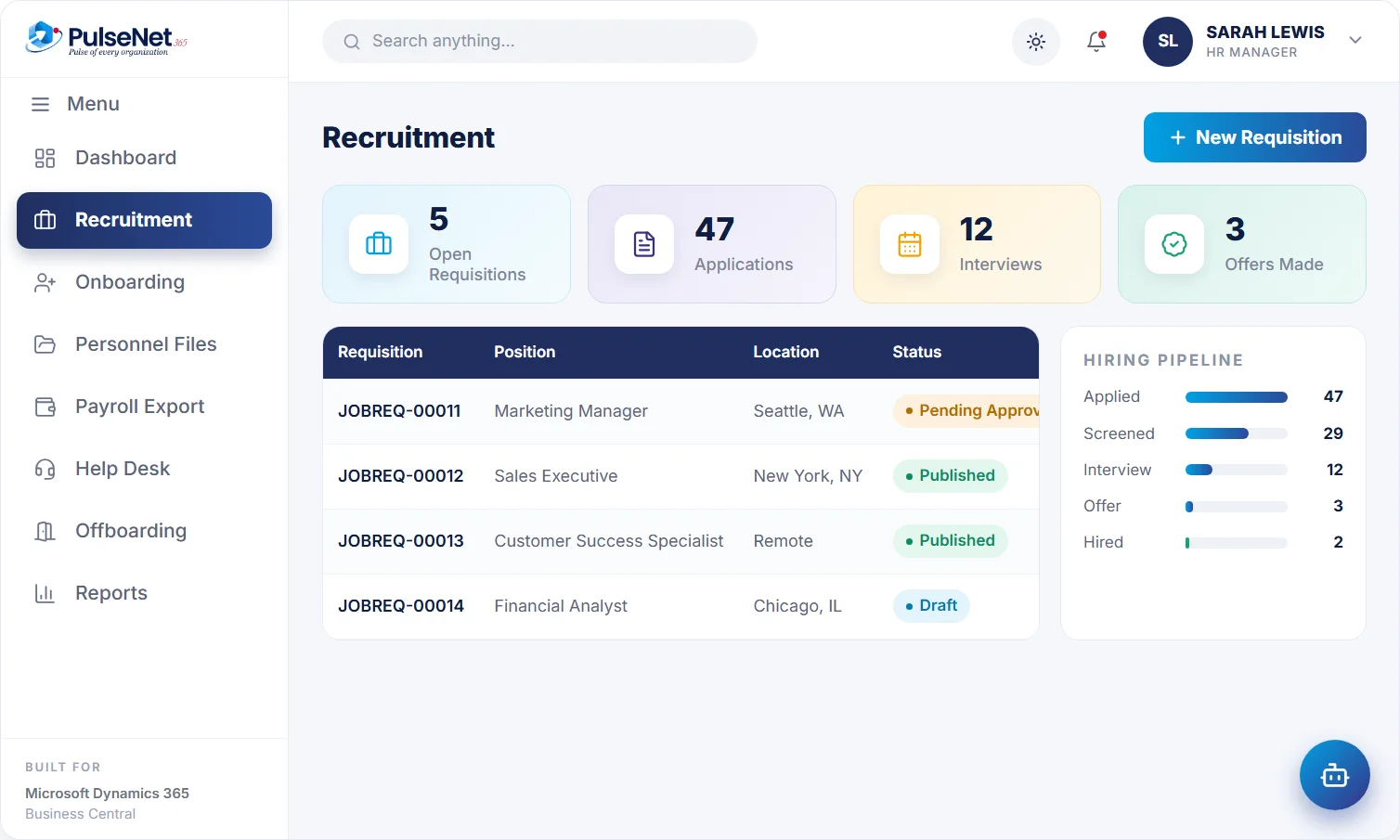
Requisitions approved in workflow, applications recorded automatically, and the hire converted to an employee. See Recruitment.
Every first-week task has a named owner and a due date, so new starters arrive to access and a plan. See Onboarding.
One record holds personal and job details, documents and policy acknowledgements, visible by role. See the file.
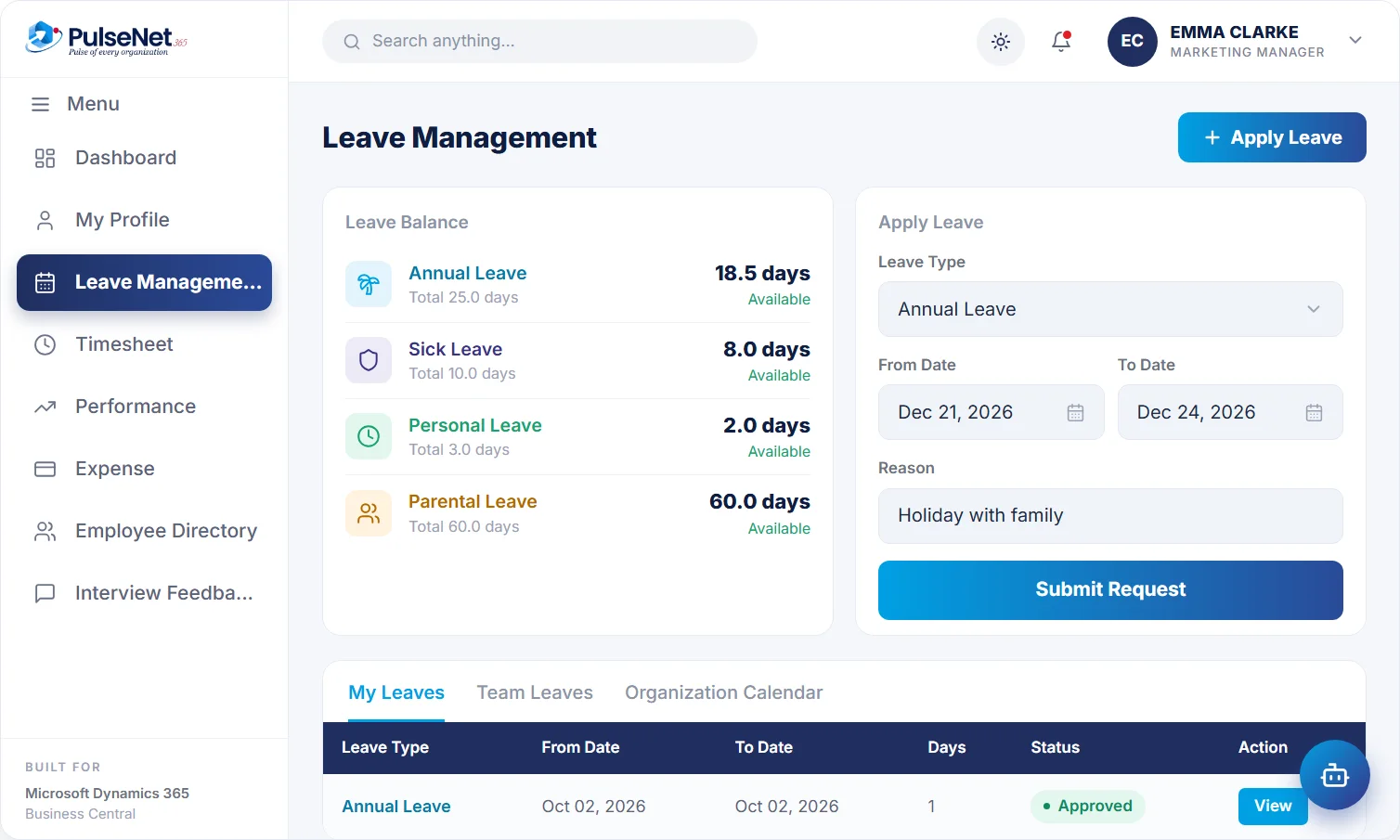
Policies set once by employee group, balances everyone trusts, and approval that updates the timesheet. See Leave.
Timesheets submitted by period, approved or rejected with comments, and locked once approved. See Time.
Employees see balances, pending actions, holidays and the directory in one place, without emailing HR. See Self-Service.
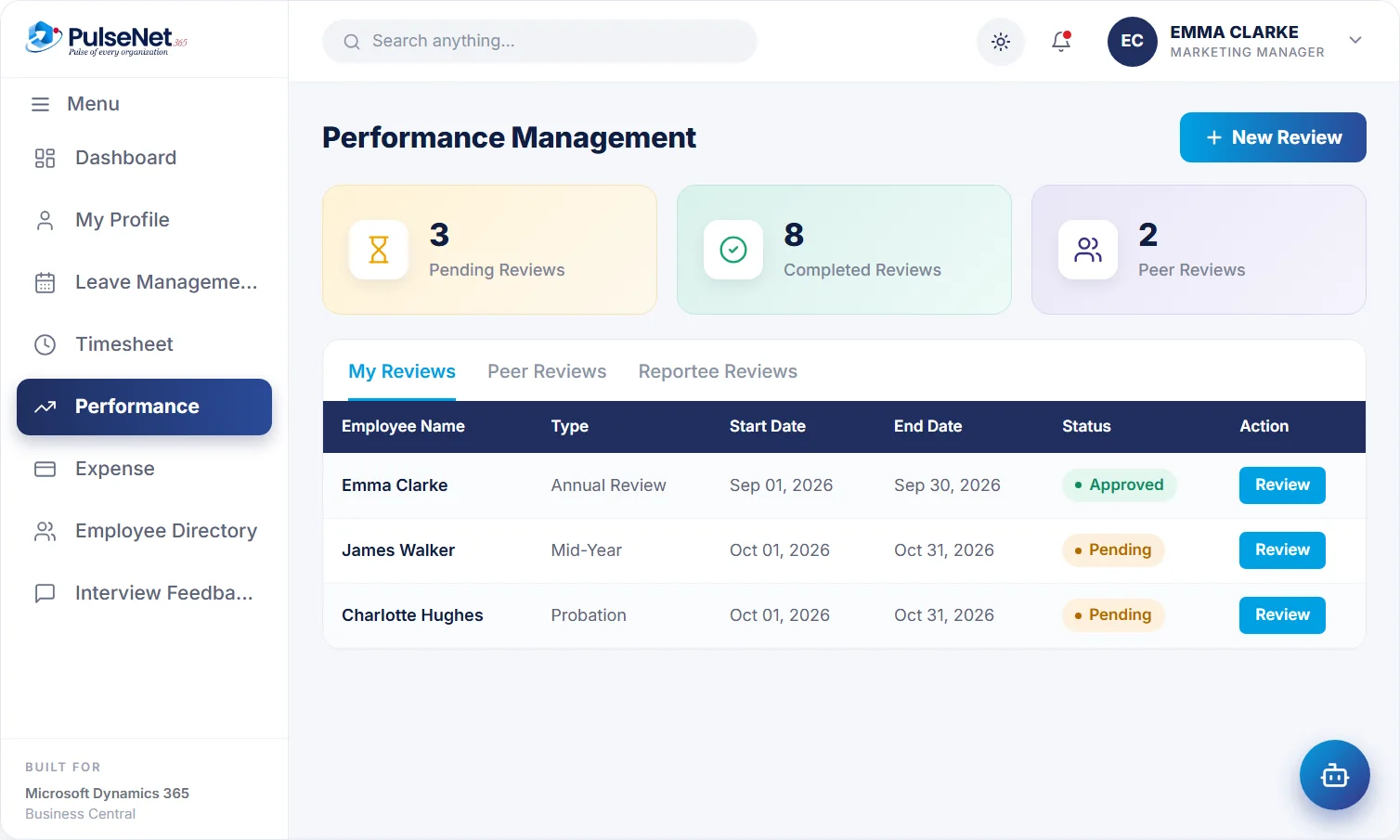
Reviews built from templates, feedback locked before the meeting, and conclusions published on time. See Performance.
Courses assigned by team or role, with exams, certificates and a training history on each record. See Training.
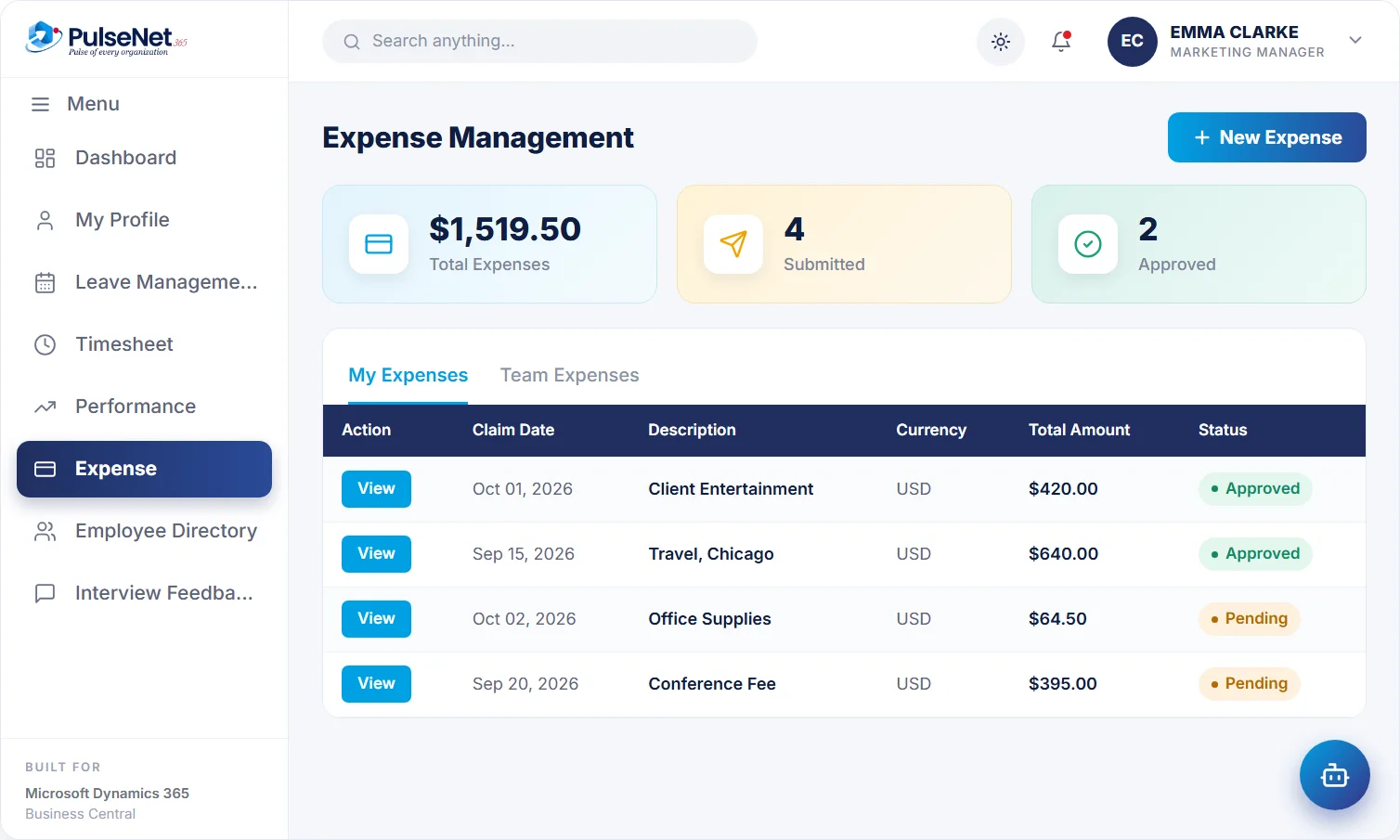
A receipt photo becomes a claim, the manager approves, and the approved claim reaches finance. See Expenses.
Approved hours, leave and expenses prepared for your payroll provider, which still calculates pay. See Payroll.
HR and IT questions become tickets with an owner, a category and a status through to resolution. See Help Desk.
One leaving date raises access removal, asset return, handover and final pay details, each tracked. See Offboarding.
They do not pass data to each other; they read and write the same employee record on Business Central. The hired candidate is the employee onboarding starts from, approved leave creates the timesheet entry, and one leaving date starts every offboarding task.
It means configuration and training for that module, not integration work. Your employee records and roles are already in place, so the new module starts from them. We quote any addition in writing first.
You never need all twelve to start. Some pair naturally: Leave & Absence with Time & Attendance, because approval creates the timesheet entry; Recruitment with Onboarding, because the hire becomes the new starter; and Compensation & Payroll once leave, time and expenses are live.
Yes, and it helps. Name one owner in HR for each module who agrees its rules, answers the first questions from managers and decides when the old spreadsheet can finally be retired.
Bring your Business Central setup and the process that costs you the most time.