
A single leaving date drives access removal, asset return, knowledge handover and the exit conversation, each tracked to completion.
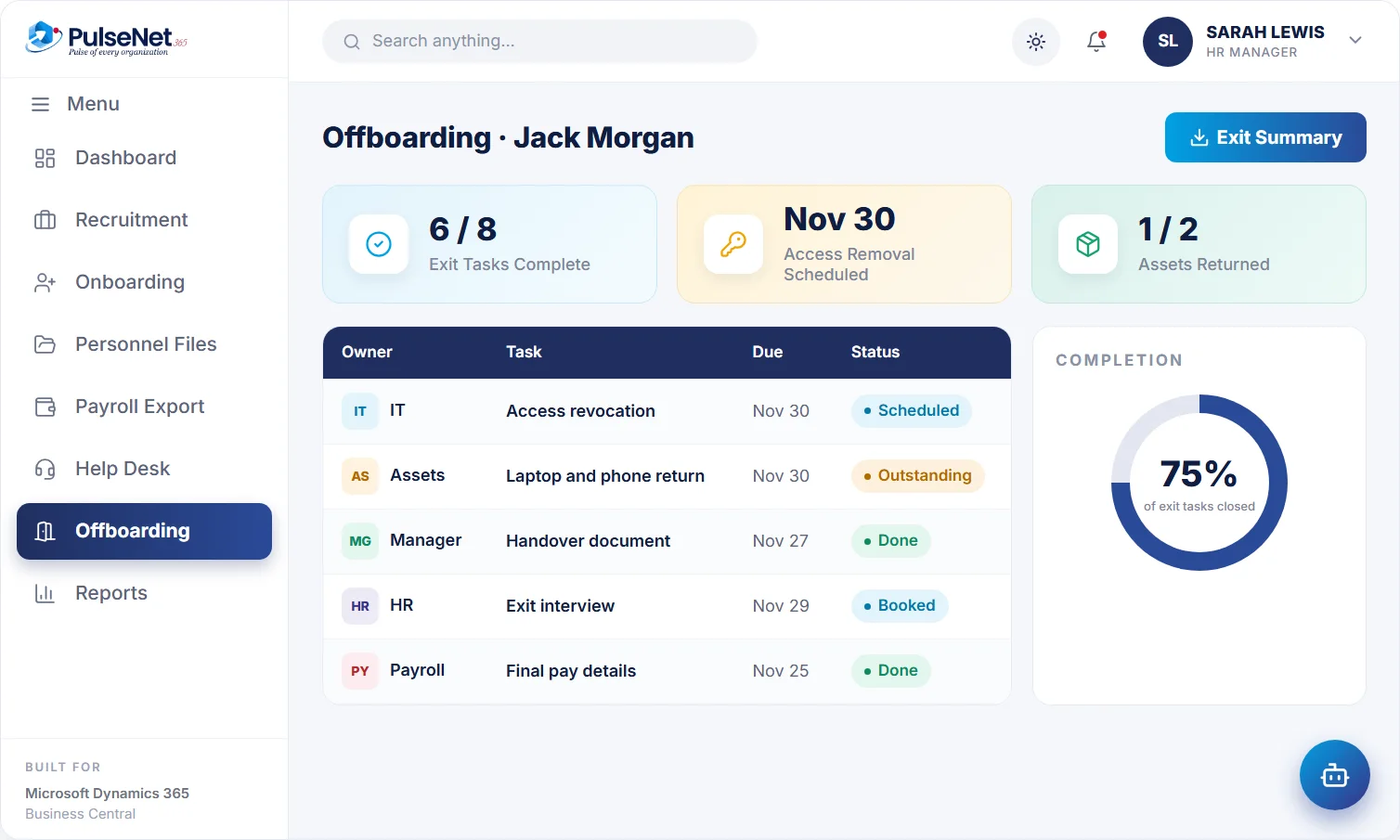
Nov 30
scheduled
asset checked
Organisations plan a new starter’s first day in detail. The last day gets a card and a leaving lunch. Meanwhile each team hears about the exit at a different time: HR from the resignation letter, the manager in a one-to-one, IT when someone asks why an account is still active. The laptop sits in a drawer, and payroll learns about the departure after the next run.
Each gap has a cost. Open access is a security risk, unreturned equipment is money lost, unsettled leave becomes a pay error and a rushed handover leaves the team guessing for months. And the person leaving remembers how the exit was handled.
Once. Everything follows from it.
Access, assets and handover, each with an owner.
Booked and recorded against the record.
The record is complete on the last day.
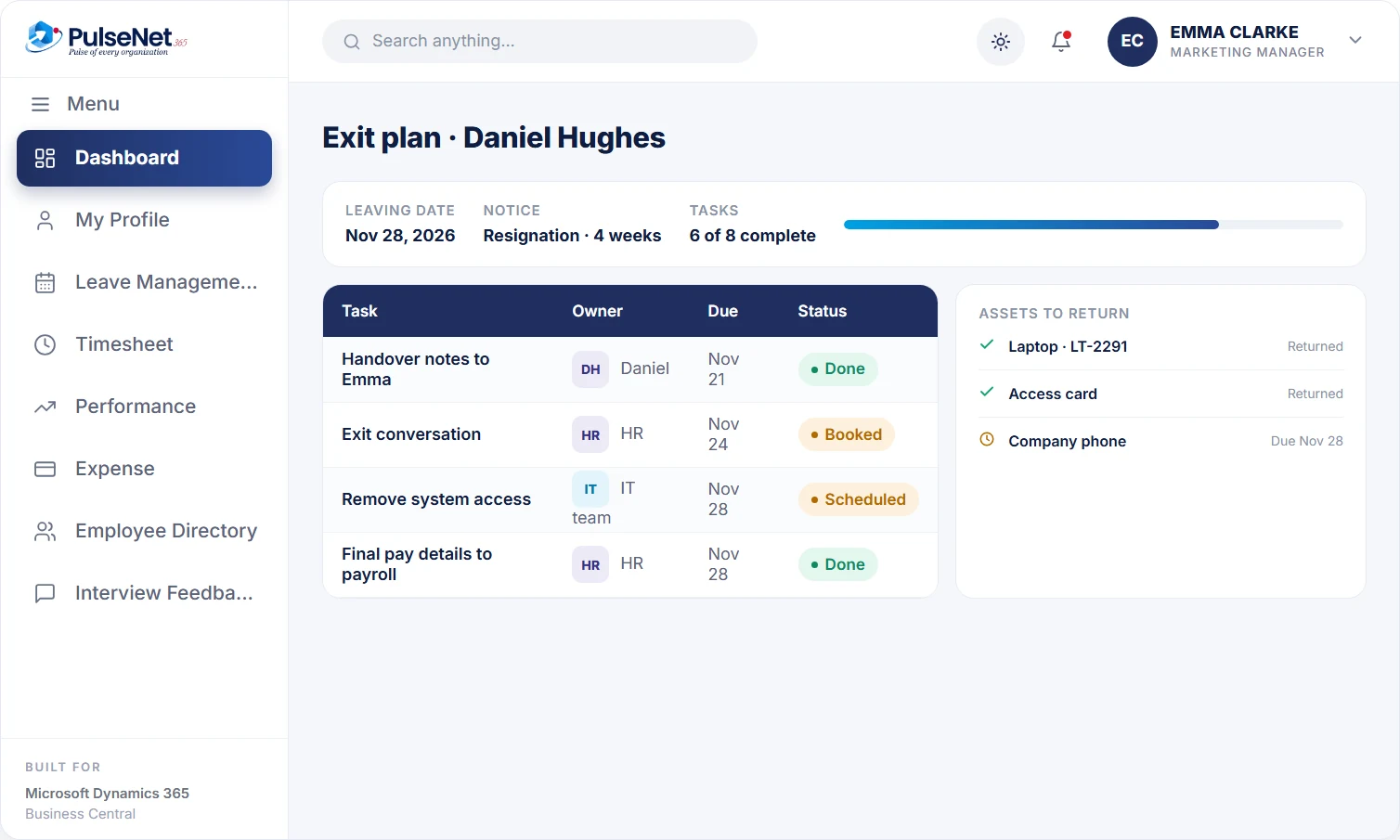
Record the leaving date once. Every exit task gets an owner, and each one is tracked until it is done.
Recording the leaving date raises the exit tasks, each with an owner: access removal, asset return, knowledge handover and the exit conversation. Time them by working back from the last day: handover planned two weeks before, the exit conversation in the final week, equipment returned on the day, final pay inputs before the payroll cut-off.
Access removal is scheduled as a task for IT and tracked until it is done. PulseNet365 schedules and records the task; IT removes access in the systems it manages. Time it for close of business on the working last day: not weeks later, when an open account is a risk, and not before the handover is complete.
Asset return is checked against what the person actually holds: laptop, phone, access card, keys, perhaps a company car or a fuel card. The list is only as good as what was recorded when items were handed out, so record them at issue, during onboarding and whenever equipment changes hands, not when someone is already leaving.
Final hours, leave still owed and outstanding expenses are approved and prepared for your payroll provider before the cut-off for the last pay period, so nothing arrives late. PulseNet365 does not calculate the final payment; the provider does, working from approved figures rather than an email from HR sent the day after the run has closed.
A clear picture of what happens and when: handover, equipment return, the exit conversation and final pay. Outstanding expenses and leave are settled through the normal approvals, so the last payslip is right and the last impression of the organisation is a considered one.
Own the handover and the exit conversation, with the leaving date and open tasks in view. Planning the handover early, while the person is still engaged, captures what a rushed final week always misses: context, contacts and the reasons behind past decisions.
Record the leaving date once and see every task, owner and status on one record, instead of chasing each team by email. When the tasks close, the employee becomes a leaver and the history stays on the record under your retention rules.
See the leaving date as soon as HR confirms it, with access removal and equipment return as tracked tasks they own. No more discovering an active account for someone who left last quarter, or a laptop nobody remembers issuing or collecting.
The Business Central employee card already records a status, a termination date and grounds for termination, and its HR features can register items issued to an employee, such as a company car or keys, as miscellaneous articles. What it does not do is turn a leaving date into owned tasks across IT, facilities, payroll and the manager. PulseNet365 adds that workflow on the same employee record.
The backbone is the same for everyone: date, handover, assets, access, final pay, exit conversation. Then add role-specific items: client handover for sales, signing authority and bank mandates for finance, keys and alarm codes for site staff. Review the list whenever a leaver reveals a gap.
When someone goes on garden leave or leaves early by agreement, access removal and handover move forward while the contractual end date does not. Keep the two dates apart in your process, so IT acts on the working last day and payroll works to the contractual one.
One exit interview is an anecdote. Twenty, grouped by reason, are evidence. Review exit reasons each quarter by team and theme, such as workload, manager relationship or career path, and take what you find into the next round of reviews and training plans.
It schedules access removal as a task for IT when the leaving date is recorded and tracks it to completion, so nothing depends on someone remembering. IT removes access in each system, such as email or line-of-business applications. For more automation, PulseNet365 extends with Power Automate, so IT can build flows on the same data.
Update it on the record, then check that the dependent tasks, especially access removal and final pay inputs, still fit the new date. Dates move often: notice periods are shortened, garden leave is agreed, a start date elsewhere changes. Because everything hangs off one date, there is one place to make the change.
PulseNet365 prepares approved final hours, leave and outstanding expenses for your payroll provider through Compensation & Payroll. The provider calculates the final payment, including any leave paid out and statutory items. Agree the cut-off for leavers in advance, because late notice is a common reason a final payslip is wrong.
Ideally someone other than the direct manager, usually HR, because people tend to be more candid with a neutral listener. Hold it in the final two weeks, record the main reasons in consistent categories so they can be compared, and tell the leaver how their feedback will be used.
List every item issued to current employees and every system they can access, because a checklist can only recover what you know about. Then name one owner outside HR for access and one for equipment. Pairing Offboarding with the Digital Personnel File keeps issued items and documents on one record.
Every module shares the same employee record on Business Central, so adding another one adds no integration work.
One 360° record per employee.
Payroll-ready data, no re-keying.
Tickets tracked to resolution.
Bring your Business Central setup and the process that costs you the most time. We will show you Offboarding on the platform you already run.
Tell us where to send the invite. We’ll show it with your processes in mind.