



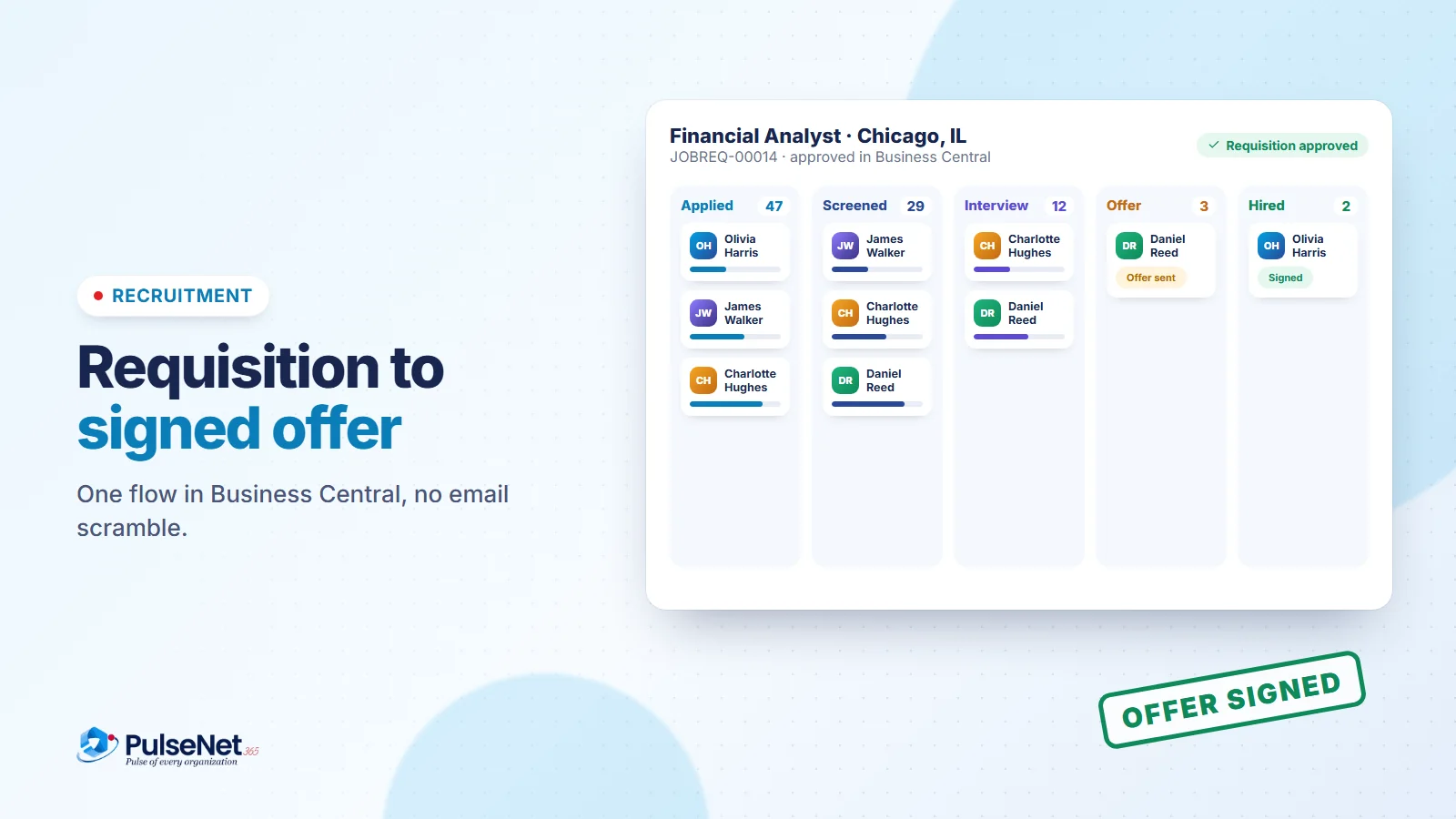
Hiring rarely fails because of one big mistake. It fails in the gaps: a requisition stuck in someone’s inbox, a CV saved to a laptop, an interview panel that never sent feedback. Each gap adds days, and good candidates don’t wait.
A connected recruitment process closes those gaps by keeping every step in one place.
Start with the requisition, not an email
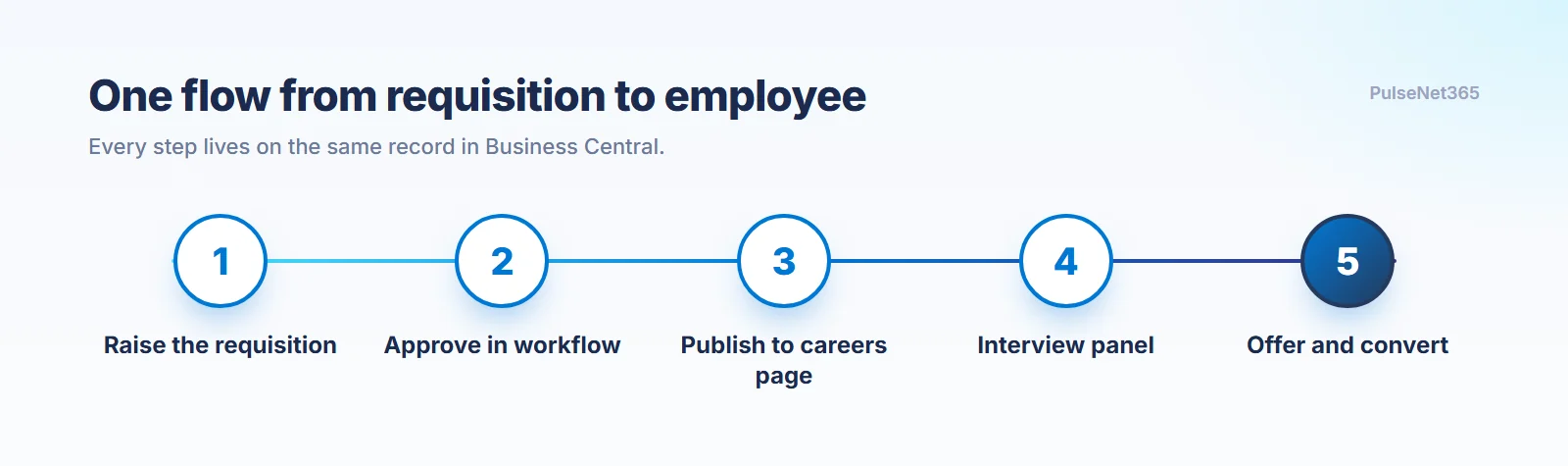
A manager raises the role, with title, department, skills and experience, and sends it for approval in the system. The approver accepts or rejects with a reason, and HR is notified automatically. Nothing sits in an inbox. In PulseNet365 Recruitment, the requisition lives in Microsoft Dynamics 365 Business Central, so finance sees the same record HR does.
Every step lives on the same record in Business Central.
Publish once, and let every application become a record
Once approved, HR publishes the role to the careers page in a click. Candidates apply there, and each application becomes a record automatically, with no copying details into a spreadsheet. HR screens applicants, records remarks and moves them to shortlisted or rejected, with rejection emails sent for you.
Keep the interview panel moving
Shortlisted candidates get an interview panel and dates. The system books the slots for every panel member, sends the details, and reminds the panel until feedback is in, so evaluations don’t stall.
Offer and convert on the same thread
When there is a decision, HR starts hiring from the same record: generate the offer, track it from generated to sent to signed, and convert the candidate straight into an employee, ready for onboarding. No re-keying, because it all lives in one system on Business Central.
Key takeaways
- Approvals belong in the workflow, not your inbox.
- Every application should become a record automatically.
- The offer and the employee record are one thread. Don’t restart it.