4 min read · PulseNet365 Team
A new hire’s first weeks set the tone for everything after. Yet onboarding is often a scramble of half-remembered tasks: someone forgets to order the laptop, access is missing on day one, and the new joiner spends a week unsure who to ask.
Structure fixes this. Not more effort, just a plan that runs itself.
Start from the employee record
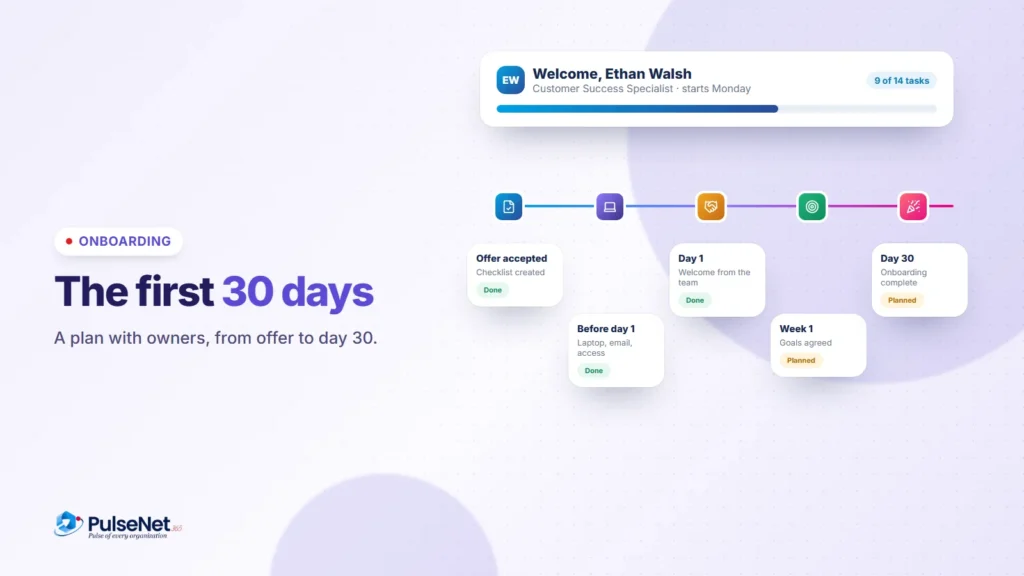
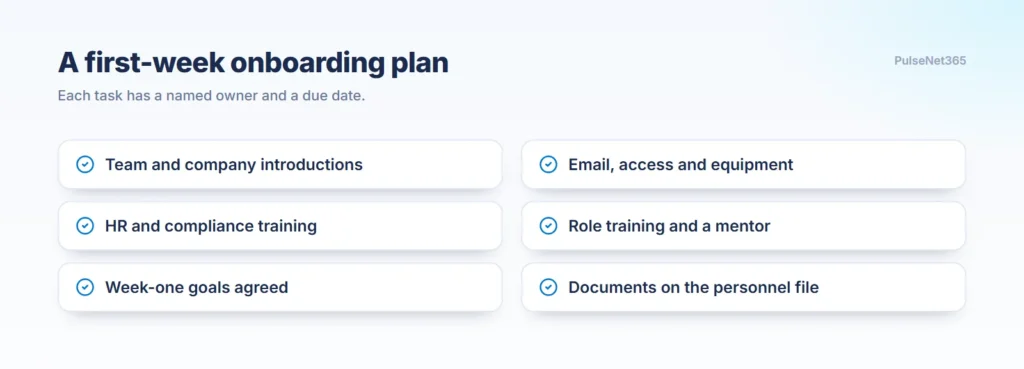
In PulseNet365 Onboarding, the plan starts from the employee card the moment a hire is created. The reporting manager opens an onboarding plan, either a predefined checklist for the role or a tailored one. Typical tasks: team and company introductions, IT setup (email, access, equipment), HR and compliance training, role-specific training and mentoring, and early goal-setting.
Give every task a named owner
Each task is assigned to the right owner, whether IT, HR or a team lead, with a due date. That single change removes most onboarding failures, because nothing is everyone’s job and no one’s job. The manager tracks completion in one view, and owners get reminders before things slip.
Finish with goals, not a welcome basket
When every task is done, onboarding is marked complete. Because goals were set during onboarding, the employee already knows what good looks like, and everything collected stays on their digital personnel file.
Good onboarding is about a new person being productive, included and clear on expectations by the end of week one.